Dreamina Seedance: Creator Access and Workflow Guide
A practical guide to Dreamina Seedance search intent, Seedance 2.0 and 2.5 workflows, image-to-video references, and creator prompt planning.
Last updated: 2026-06-23
Why Dreamina Appears With Seedance
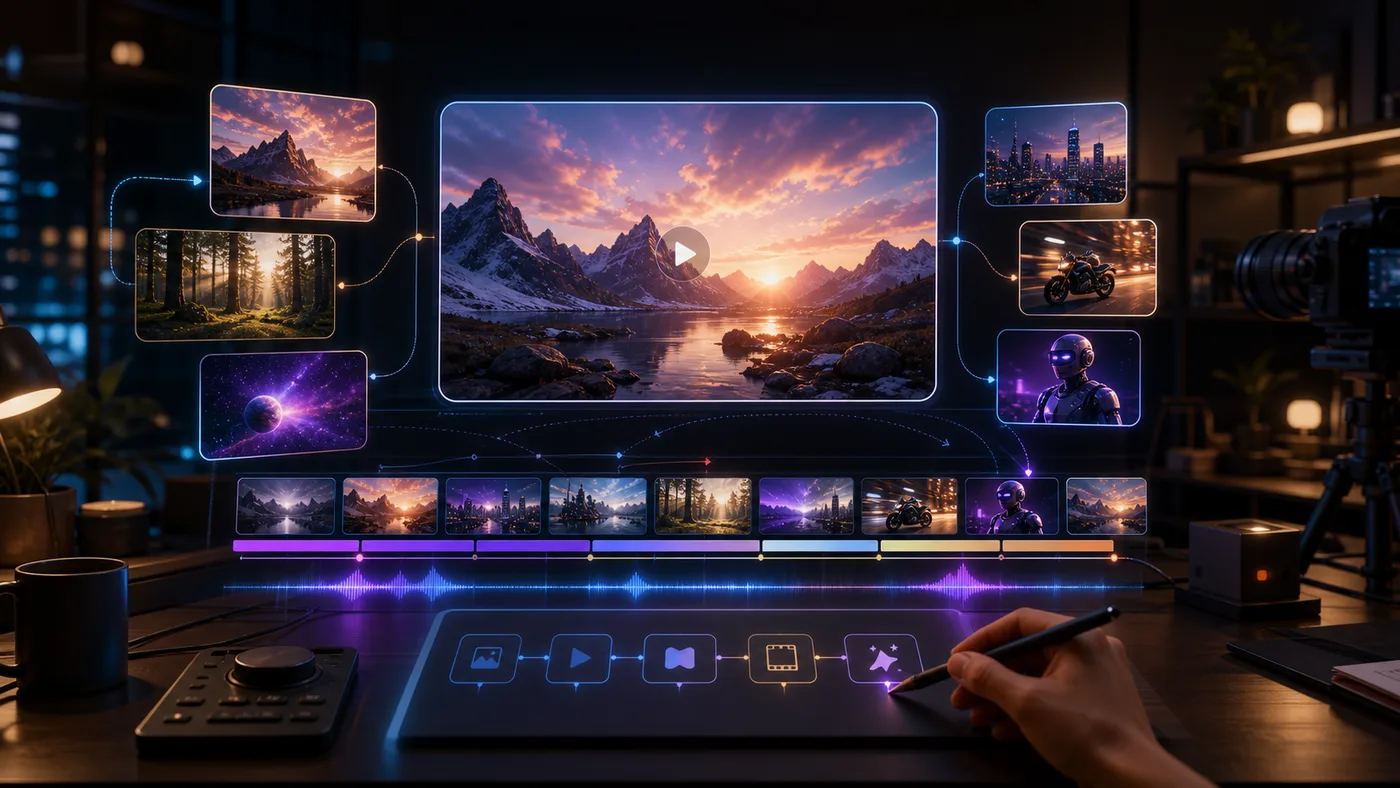
Dreamina and CapCut are common creator-facing contexts for ByteDance video generation. People searching Dreamina Seedance usually want to know where to try Seedance, how text-to-video and image-to-video work, and how to prepare prompts that keep product or character details consistent.
This site is independent and does not represent Dreamina, CapCut, ByteDance, or Volcengine.
Creator Workflow
- Start with one clear subject.
- Add a reference image when identity, product shape, or brand detail matters.
- Write camera movement separately from subject motion.
- Keep one style per clip.
- Test short clips before spending credits on longer variations.
Prompt Planning For Dreamina-Style Use
Creator-facing tools reward clarity. Instead of writing one dramatic paragraph, split the job into fields:
- Subject: what the clip is about.
- Reference: what must be preserved from an uploaded image.
- Motion: what the subject does.
- Camera: how the viewer moves through the scene.
- Style: commercial, cinematic, anime, documentary, product macro, or social reel.
- Output: platform, aspect ratio, and length.
Example:
Subject: original streetwear model in a glass subway station. Reference: preserve jacket shape and logo placement. Motion: model turns toward camera and starts walking. Camera: slow handheld follow shot. Style: glossy fashion reel with realistic reflections. Output: 9:16 social video.
Dreamina vs API Search Intent
Dreamina Seedance usually means creator access and UI workflow. Volcengine Seedance usually means developer access and API workflow. A good SEO structure needs both pages because the users are different.
Common Use Cases
- Social video hooks.
- Product reels.
- Creator storyboards.
- Image-to-video tests.
- Mood films for pitches.
- Prompt experiments before API implementation.
Safety And Rights
Dreamina-style creator workflows can tempt users to imitate famous characters, celebrities, or studio IP. For commercial use, safer prompts describe original characters, owned products, licensed assets, and generic scene types.
Use This Site For
- Seedance 2.5 prompt planning.
- Image-to-video reference prompts.
- Product video prompt templates.
- Longer-video beat structures.
- Independent comparisons with Veo and Sora.
FAQ
Is Dreamina the best place to try Seedance?
It is one of the most visible creator-facing contexts. Availability, features, and region support can change, so check the current Dreamina or CapCut page before relying on it for production.
Why build an independent workflow site?
Creators often need prompt organization, reference planning, cost tracking, history, and downloads across providers. A focused workspace can sit above the model layer.
Sources
- Dreamina: Seedance 2.0 tool page
- ByteDance Seed: Seedance 2.0 model page